Original licensed background
Quiet Ocean
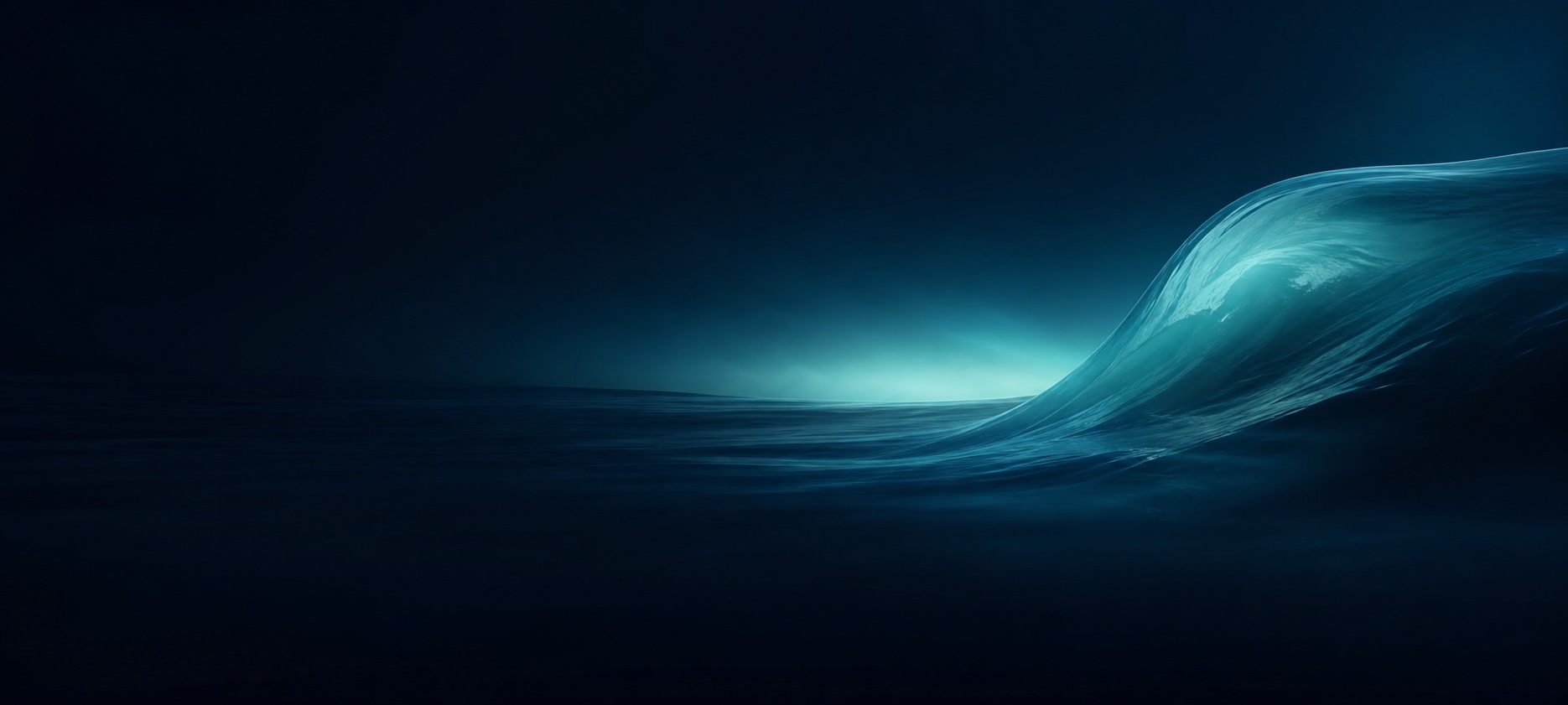
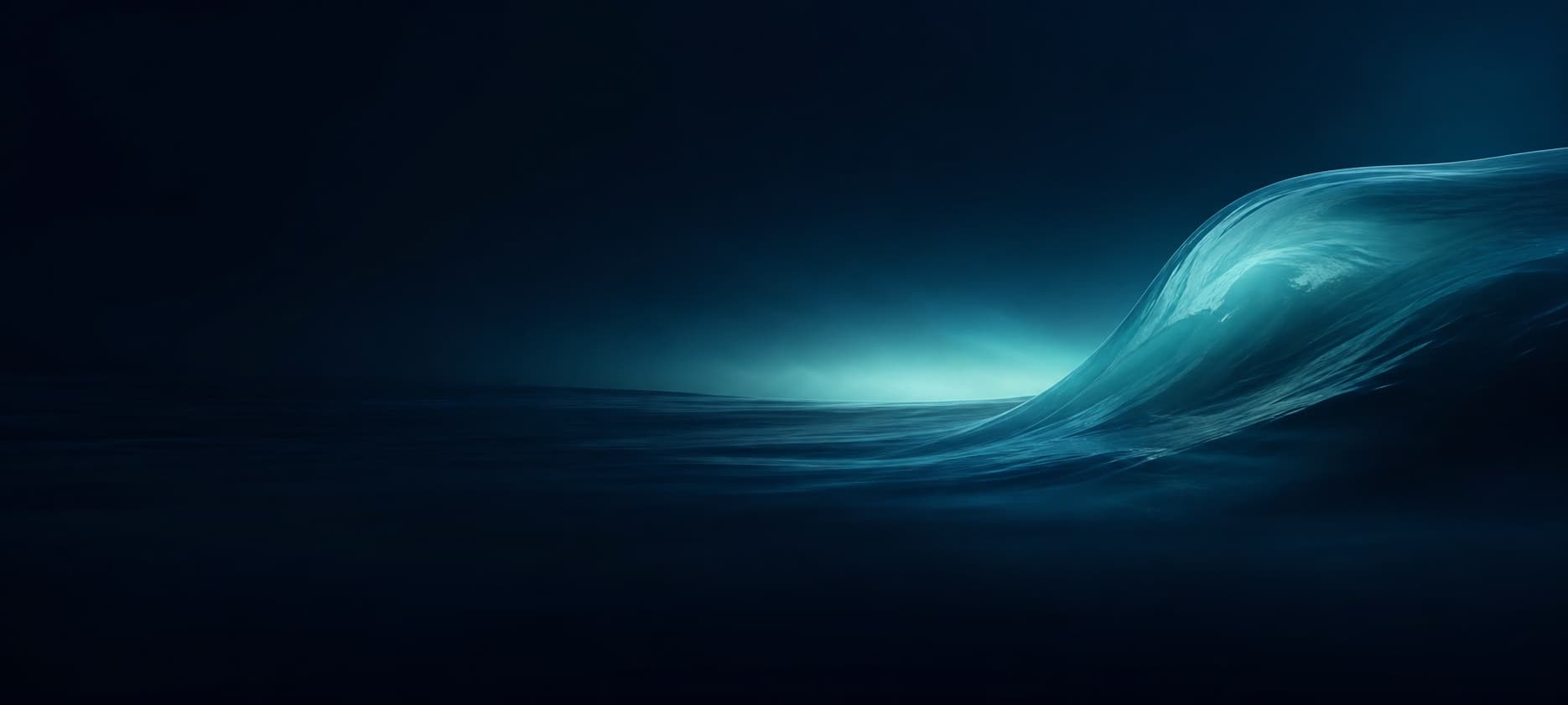
A single teal wave rises from a low-detail blue-black horizon.
Design intent
Quiet Ocean is built around one broad wave rather than a busy seascape. The horizon is deliberately low and nearly featureless, allowing the left two-thirds to act as open reading air. The wave rises on the right with enough scale to remain recognizable after cropping but contains no animal, vessel, coastline, or narrative detail that could demand attention.
Quiet Ocean is intentionally abstract so it can establish atmosphere without introducing a face, character, logo, or narrative object that competes with work. The composition is not a screenshot and contains no simulated Codex controls. Its visual hierarchy comes from scale, light, and empty space: a restrained left field supports content while the right-side form gives the eye a destination. This makes the file useful as a background rather than a poster that happens to sit behind an application.
Palette and material
Blue-black establishes depth, deep navy separates sky and water, and teal appears only around the crest and distant glow. The highlight is diffuse instead of specular, so it feels luminous without becoming a white patch. Subtle horizontal motion exists near the bottom but remains large enough not to interfere with small text.
Color is concentrated around the focal form and fades toward near-black across the reading zone. The transition avoids tiny high-contrast texture, generated lettering, and repeated particles that can resemble interface states. Smooth gradients may show differently across monitors, so inspect the actual app at normal brightness. If a display exaggerates the highlight, reduce background intensity or strengthen the existing content panel rather than adding new decorative detail.
Home-view composition
On home, the low horizon keeps project and navigation elements clear. The crest provides a friendly directional sweep toward the center while stopping before the title zone, producing motion without putting a hard edge behind words.
The wave crest occupies the right third; the left horizon stays low, dark, and simple beneath home navigation and titles.
Task-view readability
For task reading, the water surface is intentionally smooth and dark across the left and center. The wave body sits to the right, and the bottom band loses detail so the composer does not conceal the image’s meaning.
The bright crest remains outside the main reading field, while the lower water becomes a smooth dark base behind the composer.
Creation and source record
This asset was generated specifically for CodexSkin on 20 July 2026 from an original prompt written for this collection. The prompt required a 20:9 abstract wallpaper, a dark low-detail left 55%, right-side visual concentration, a quiet bottom region, and no people, text, logos, trademarks, borders, or interface elements. CodexSkin Editorial reviewed the output at full size, rejected any brand dependency, and exported a compressed JPEG from the retained generated PNG. The site repository records the public filename and this page records the source method.
The generation record establishes the practical provenance used by this site; it is not a claim about every possible legal issue in every jurisdiction. The artwork does not copy the archived third-party demonstration composites and does not include OpenAI or Codex marks. The original generation file remains separate from the web export so compression can be repeated without accumulating artifacts. Corrections about this record can be sent through the Contact page.
License and reuse
The downloadable background is offered under CodexSkin-Theme-1.0. Personal and commercial use, modification, and redistribution are allowed under the terms in the adjacent license file, provided recipients do not imply that OpenAI, Codex, or a third-party tool endorses their use. The license covers only the CodexSkin-created wallpaper file. It does not license product names, official application screenshots, third-party installers, source code, or the archived demonstration images elsewhere in the repository.
Keep the license or a clear link with redistributed copies, and describe modifications honestly. Do not add an official-looking logo, false endorsement, protected character, or portrait and continue to present the result as the unchanged CodexSkin original. If you combine the image with material from another source, you are responsible for confirming that source permits the resulting use. The flags for this release are: no portrait, no branded character, and no trademark embedded in the artwork.
Apply and verify
Download the JPEG, keep an untouched copy, and follow the independent background-composition and platform guides. CodexSkin does not bundle this asset with a third-party installer. Import a copy through the current upstream-documented Windows or macOS interface, then inspect home and a populated task. Check headings, muted text, code, links, focus, composer boundaries, wide and narrow windows, and the normal restore path. A visible wallpaper is not enough; native controls must remain readable and interactive.
If Quiet Ocean is too bright on your display, adjust a working copy rather than the repository master. Preserve the left reading field and right focal placement when cropping. Do not move the main highlight into the bottom composer band. Record the export used so you can return to a known result, and restore official appearance before diagnosing unrelated Codex problems.